Internal Links From Enablement Assets to Money Pages
Your guides, templates, and case studies earn the reading. Your service and contact pages close the deal. A plain method for mapping each asset to one next step, writing anchors that say what is there, and checking the links are real.
You have 40 guides, six templates, and a handful of case studies that people actually read. You also have a services page that almost nobody reaches. The reading and the buying happen in different places, and the path between them is a few links you wrote once and never looked at again.
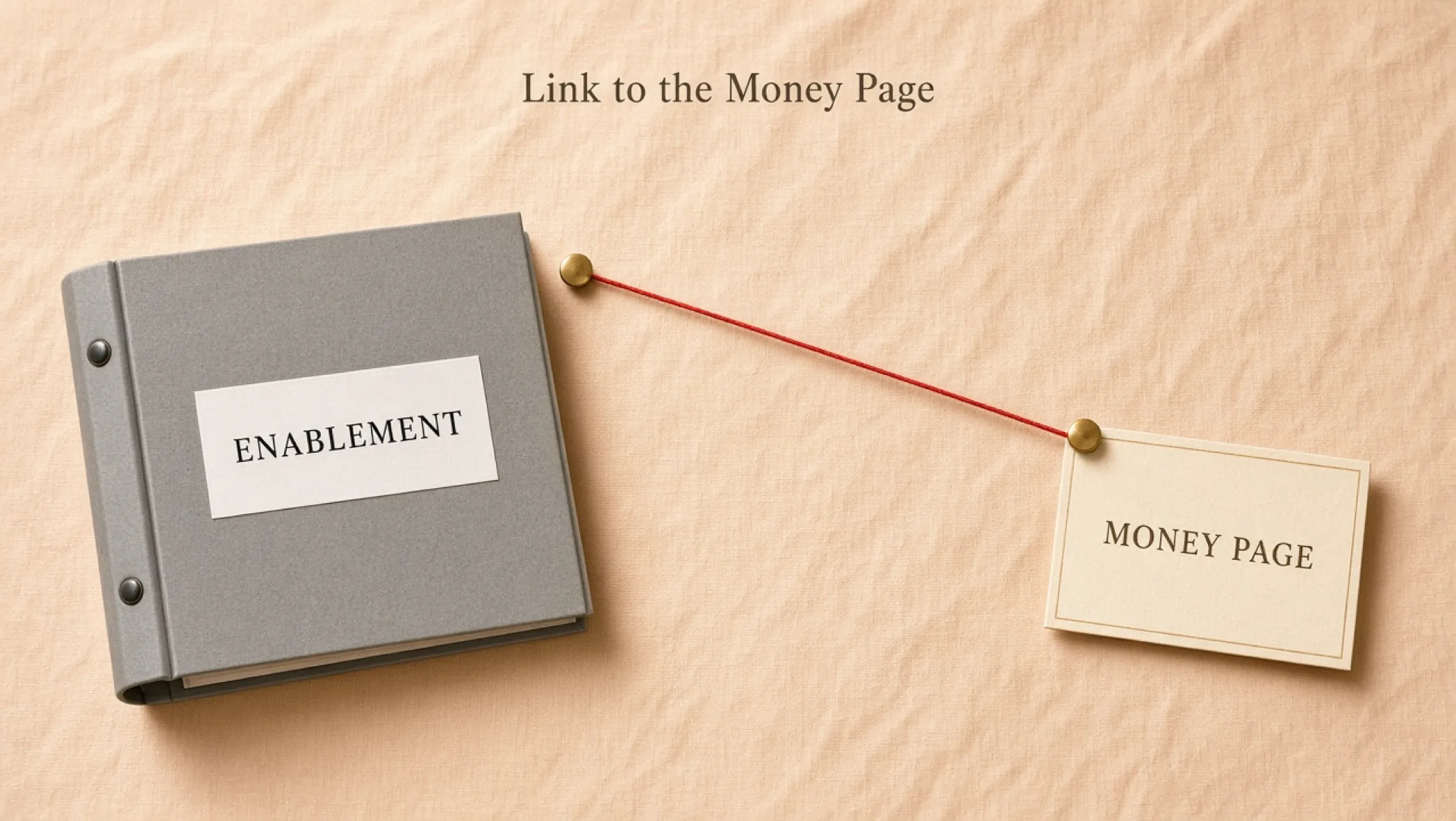
This is the method for connecting them honestly. It is not a trick to push readers around. It is a link map: each enablement asset points to the one commercial page that fits its topic, with an anchor that tells the reader what is there. The blank sheet is the enablement-to-money link map. If you need the foundation first, start with the complete guide to search engine optimization.
What Google says about internal links
Sourced from Google’s link best practices. It says Google uses links as a signal when determining the relevancy of pages and to find new pages to crawl. Every page you care about should have a link from at least one other page on your site. There is no magical ideal number of links on a page, and if you think it is too much, it probably is. Google can generally only crawl a link that is an <a> element with an href attribute. Source: Link best practices for Google (Search Central, checked 1 October 2026).
That page gives you four rules to build on: links must be real anchors, important pages need at least one inbound link, anchors should describe the destination, and more is not better. Everything below is a framework built on those rules. It is not a Google checklist, and it does not promise a ranking or a conversion.
Step 1: inventory the assets and the money pages
Make two lists. Money pages first, because there are fewer. Then every enablement asset that has its own public URL.
| List | What goes on it | Columns to record |
|---|---|---|
| Money pages | Service pages, scope or pricing pages, booking, contact | URL, the one job it does, the reader it is for |
| Enablement assets | Guides, templates and checklists, case studies, comparisons, onboarding docs | URL, topic, reader stage, current outbound links |
| Orphans | Any asset with no inbound link from another page | URL and the page that should link to it |
Check what is reachable. An asset that sits behind a form or lives only in a PDF emailed to leads cannot be crawled or linked as a normal page. That is fine for sales material. Just do not count it as part of your search path. Framework: if a stranger cannot reach it with a link, a crawler cannot either.
Step 2: map each asset to one next step
One asset, one primary commercial pointer. If you cannot decide between two money pages, the asset is covering two topics, or your money pages overlap. Settle that before you add the link.
| Asset type | Reader state | Best next step | Example anchor text |
|---|---|---|---|
| How-to guide on a build topic | Learning how it works | The service page for that work | website design and development |
| Checklist or template | About to do it themselves | A guide that explains it, then the service page for those who want help | how we plan a website build |
| Case study or teardown | Evaluating whether you can do it | The service page, plus the contact page | see how we approach branding projects |
| Comparison or decision guide | Close to choosing | Scope page or contact | talk through your scope |
| Measurement or audit guide | Wants it done properly | The service page that does the fix | a technical SEO review as part of a site build |
This is the pattern we aim for on this site. Guides about website planning point to website design and development, brand guides point to branding, and proof pieces point to selected work. It is a design choice, not a measured result, and not every older article follows it yet.
Step 3: write anchors that say what is there
Google’s guidance on anchor text is simple: descriptive, reasonably concise, relevant to both pages, natural in the sentence. It also says not to chain links next to each other, and to give the words before and after the link some context.
| Weak | Better | Why |
|---|---|---|
| Click here | our website design and development service | Names the destination |
| Read more | how a typical website build is scoped | Sets expectations |
| Best web design agency in your city | website design and development | No stuffed keywords. The reader does not need them |
| Learn about our offering and everything it includes for growing businesses | what the build includes | Concise. A paragraph is not an anchor |
- Read the anchors alone: if the link text, read out of context, does not tell you what you will find, rewrite it. Google gives the same tip.
- Vary the wording: forty identical anchors to one page read like a script. Write for the sentence you are in.
- Place it at the decision point: the paragraph where the reader would think “I could use help with this.” Not the first line, not a banner.
- Skip the pitch voice: no “contact us today!” in the middle of a method. A calm sentence and a link is enough.
Step 4: make the links real
A link a person can click but a crawler cannot follow is half a link. These checks take minutes on a single page.
- View the page source, or fetch the raw HTML with curl, and search for the destination path. It should appear in an <a href> element, not only in script.
- Confirm the href is a real path or URL that returns a normal page, not a redirect chain or an error.
- For JavaScript-built sites, use Google Search Console (GSC) URL Inspection to see the rendered HTML and confirm the anchor text is present. Google recommends this check when you insert anchor text with JavaScript.
- Check the target is indexable and appears in the sitemap you submit, so you are not funneling readers to a page you hid from search.
- Click every link on the live page. Do it once a quarter for guides that carry service links.
The full routine for sites built on JavaScript is in the technical SEO audit for JavaScript websites and the walkthrough of Search Console URL Inspection on a JavaScript site.
Step 5: link back from the money page
The path should run both ways. A service page that makes a claim about how you work should point to the guide or case study that shows the work. That gives the reader proof and gives the enablement asset an inbound link from a page you care about.
- Proof links: from a claim on the money page to the case study or method guide behind it.
- Resource links: from the process section to the template a reader can use today, even if they never hire you.
- Limit: three to five well-chosen links beat a wall of thirty. If you would not click it, drop it.
Filled hypothetical: a four-asset link map
Hypothetical example, labeled as such, not a real site audit. A small studio maps four assets.
| Asset | Money page | Anchor | Placement | Link back? |
|---|---|---|---|---|
| Guide: planning a site build | Website service page | how a build is scoped | After the scoping section | Yes, from the process section of the service page |
| Template: website brief | Website service page | work through the brief with us | End note under the form | No. The guide already links |
| Case study: site architecture | Contact page | talk about your own structure | Closing paragraph | Yes, from the proof block |
| Guide: choosing a CMS | Website service page | handled in a build | Decision-rule section | No |
In the example, one asset has no link back and another has two inbound paths. That is fine. The map exists to make the decision explicit, not to force symmetry. The one unacceptable state is an asset with no row.
Failure modes
- Link carpet: a service link in every paragraph. Readers learn to ignore them. Fix: one to three per article, at real decision points.
- Button, not anchor: a styled button that navigates with a script. Fix: use an <a> with an href and style it as a button.
- Everything points to contact: readers who are still learning are asked to commit. Fix: send them to the service page that explains the work first.
- Orphaned assets: a good guide nobody links to. Fix: add it to the link map and give it an inbound link from a related page.
- Link rot: a renamed service page and forty guides pointing at a redirect. Fix: update the sources, not just the redirect.
- Stuffed anchors: city, service, and “best” in one link. Google warns about keyword stuffing in its spam policies. Write like a person.
Ship checks
- Every enablement asset has a row in the link map, even if the decision is “no commercial link.”
- Every money page has at least one inbound link from a page a reader would actually visit.
- Anchors read well out of context and are not duplicated across dozens of pages.
- The destination appears as an <a href> in raw HTML, and the target returns a normal page.
- Service pointers are quiet: one to three per article, not banners, not mid-sentence pitches.
Print the link map template and fill it for your five most-read assets. If you want it built into the site rather than bolted on, start a conversation or read how we approach website design and development.
Frequently asked questions
What is an enablement asset?
An enablement asset is anything that helps a buyer or a seller move forward: a guide, a template, a checklist, a case study, a pricing explainer, an onboarding doc, or a comparison page. They educate. They are usually not the page that asks for the sale. That is the job of a money page.
What is a money page?
A money page is a URL whose job is to turn interest into a commercial next step: a service page, a pricing or scope page, a booking page, or a contact page. The name is blunt on purpose. It reminds you that these pages need inbound links from the pages people actually read.
How many internal links should a page have?
Google’s link best practices say there is no magical ideal number of links on a page, and that if you think it is too much, it probably is. Aim for the links a reader would genuinely want next. One to three pointers to service pages per article, placed where the topic naturally leads there, is a sane starting range.
Does the anchor text matter?
Yes. Google says good anchor text is descriptive, reasonably concise, and relevant to the page it sits on and the page it links to, and that generic text such as “click here” or “read more” is weak. Write anchors a reader could understand if they read only the link.
Do buttons and scripted links count?
Google says it can generally only crawl a link that is an <a> element with an href attribute, and that it cannot reliably extract URLs from other tags that act as links through script events. A button that navigates with a click handler is a link to people and may be invisible to crawlers. Use real anchors.
Should every guide link to the contact page?
No. Link to the next step that fits the reader’s situation. A guide about planning a website points to website design and development. A guide about naming points to branding. A contact link makes sense at the end of a piece that ends in a decision, not as a footer on every page.