AI Content Ops: Review Gates Before You Publish
A model can hand you a clean draft in minutes. The risk is the decision after it: ship, fix, or kill. Four gates a human owns before any AI-assisted page goes live, with pass and fail rules.
The model gave you 1,500 clean words in four minutes. Now someone has to decide whether that page goes on your site. Without a gate, the decision is “it reads fine,” and fluent text is exactly what a model is good at. Fluent is not true, not yours, and not needed.
This is the review layer for teams that use AI in the draft. It assumes you already have a brief. If you do not, write one first with the SEO content brief method. If you want the policy line these gates are guarding, read scaled content abuse and AI-assisted pages. The blank, printable version of everything below is the AI content review gates checklist.
What Google actually asks (and what it does not)
Sourced from Google. Its guidance on generative AI content says the tools can be useful when researching a topic and for adding structure to original content, and that using them to generate many pages without adding value for users may violate the scaled content abuse policy. It also tells you to focus on accuracy, quality, and relevance, especially when content is generated automatically, including metadata such as title elements and meta descriptions. Source: Google Search’s guidance on using generative AI content on your website (Search Central, checked 1 October 2026).
The helpful-content page gives you the questions a reviewer can use as gates. Examples it lists: does the content provide original information, reporting, research, or analysis; does it have easily verified factual errors; does it clearly demonstrate first-hand expertise; and are you using extensive automation to produce content on many topics. It also frames “Who, How, and Why,” including whether automation use is explained where readers would expect it. Source: Creating helpful, reliable, people-first content (Search Central, checked 1 October 2026).
Neither page gives a word count, a percentage of AI text that is acceptable, or a score. So these gates are our framework, built from those questions. They are not a Google checklist, and passing them does not promise a ranking.
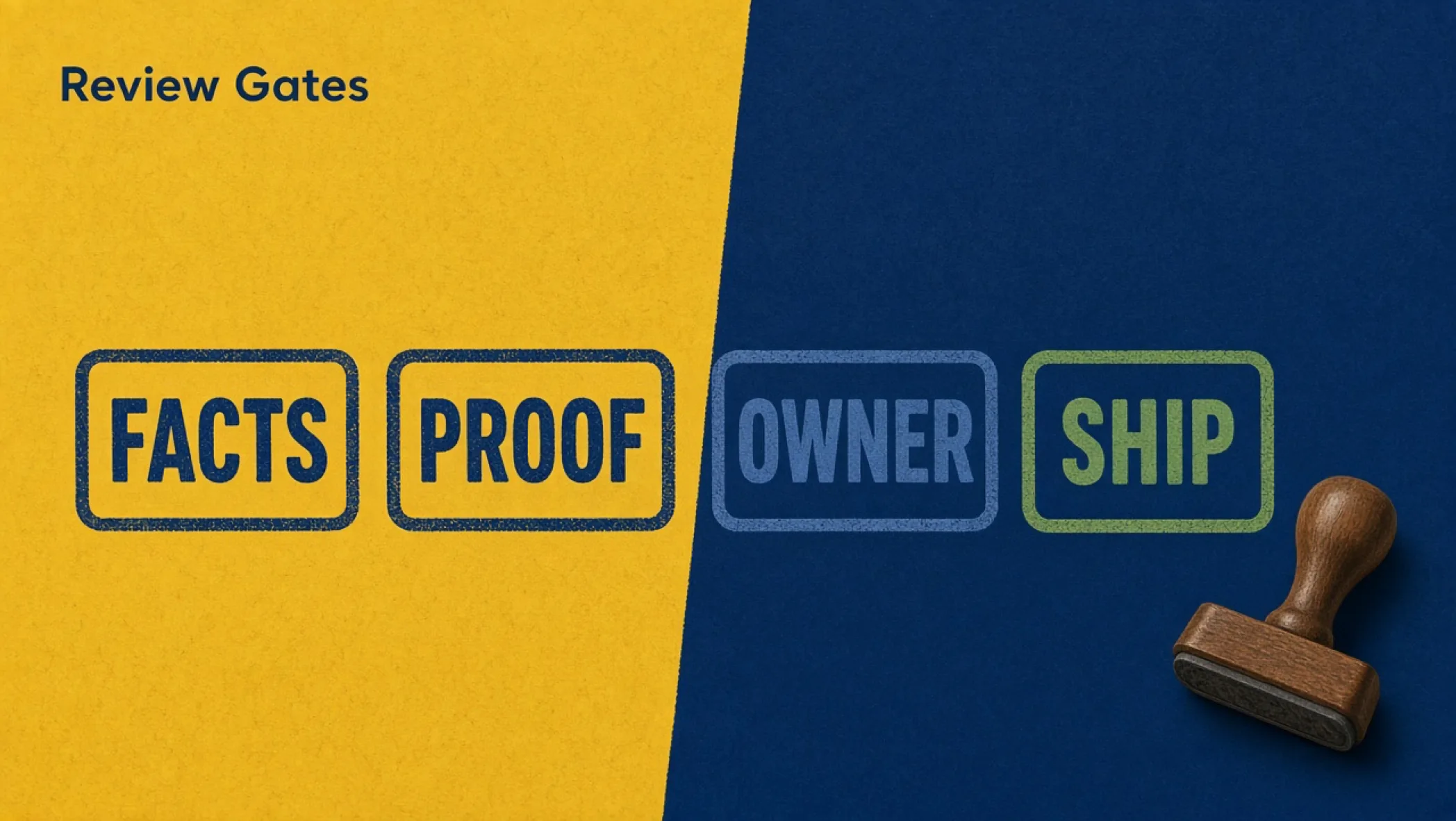
The four gates, in order
Order matters. Cheap checks go first, so you do not spend an hour fact-checking a page that should never have been written.
| Gate | Question | Pass looks like | Fail means |
|---|---|---|---|
| 1. Thin-page risk | Why does this URL exist, and who would miss it? | A named reader, a job, and one thing the current results lack | Hold. Fix the brief or kill the ticket. Do not edit the draft yet |
| 2. Facts verified | Can every claim be traced? | Each Google, vendor, price, date, and number has a source link or an Observed label | Cut the claim or fetch the source. Never “probably right” |
| 3. First-party block | What here only we could write? | At least one screenshot, test, process step, failure, or permissioned client fact | Hold. The page is a paraphrase of the SERP |
| 4. Owner signed | Whose name is on this? | One accountable person, a reviewer, and a date recorded | It does not ship. Unowned pages decay and nobody fixes them |
Gate 1: the thin-page risk check
Run this first because it is the cheapest. Google’s list of warning signs includes producing lots of content on many topics hoping some performs, mainly summarizing what others say without adding much value, and writing to a word count because you think Google has a preferred one (it says it does not). Map each to a question the editor can answer in two minutes. The longer argument for why the page must add something is in the information gain framework.
- Reader: name the person and the moment they need this. “Marketers” fails. “An owner choosing between two quotes this week” passes.
- Deletion test: if you deleted this URL tomorrow, who would notice? If the answer is nobody, you are publishing for the index, not for a person.
- Sibling test: does an existing page on your site own this intent? Update that page. A near-duplicate with a new slug is the cheapest way to build a thin pile.
- Volume test: if this is one of 40 pages from the same prompt with the city or product swapped, stop the batch and review a sample by hand. Scale is where the policy risk lives.
Gate 2: facts verified
Models state wrong things in the same confident voice they use for right things. Your job at this gate is not to “check for hallucinations” in the abstract. It is to extract every checkable claim and give each one a source, a label, or a cut.
- Highlight every sentence that contains a number, a date, a product name, a price, a limit, a quote, or a “Google says.” That is your claim list.
- For each claim, open the primary page: a Search Central page for Google facts, the vendor’s current docs for tool facts, an RFC or MDN for protocol facts. Put the link in the copy.
- No source found in ten minutes? Rewrite as an honest Hypothetical, relabel as Observed if you ran it, or delete the sentence.
- Check the metadata too: title, meta description, image alt text, and any structured data. Google’s generative AI guidance names these specifically because they can appear in search results.
- Check first-use abbreviations. A model assumes your reader already knows what GSC, SERP, or CTR mean. Spell out the full term, then the short form, the first time it appears.
One more rule. Never let the model write the evidence label itself. “Observed” means a person ran the thing and wrote down the date and conditions. A model will happily attach “Observed” to a sentence nobody observed.
Gate 3: the first-party block
This is the gate that separates a useful page from commodity content. Google’s generative AI optimization guide describes non-commodity content as providing unique expert or experienced takes beyond common knowledge, and says a first-hand review gives a perspective that a summary of existing content cannot. Source: Optimizing your website for generative AI features on Google Search (Search Central, checked 1 October 2026). Practically, you need at least one block in the page that no model could have produced from public text.
| Acceptable block | Minimum detail | Not acceptable |
|---|---|---|
| Screenshot of a real tool | Tool name, date, what the reader should notice | A stock UI mockup |
| A test you ran | Setup, date, result, and what it does not prove | “In our experience” with no setup |
| A process you follow | The actual steps, in order, with the failure you hit | A tidy five-step list any blog would print |
| Client fact | Permission, scope, and a note on what it does not show | An unnamed client with a lift percentage |
The full method for building and protecting these blocks during redrafts is in first-party evidence blocks editors must keep when AI drafts. If your honest list of first-party material is empty, the page does not pass. That is not a failure of the process. It is the process working.
Gate 4: the owner signs
The last gate is human accountability. Record three things before publish: the author named on the byline, the reviewer who completed gates 1 to 3, and the date. Google’s Who, How, and Why framing is the reason to bother. Readers and reviewers should be able to tell who stands behind the page.
- Owner: the person who gets the email when the page is wrong. One name, not a team alias.
- Reviewer: someone who can say “that is wrong.” They may not be the person who prompted the model.
- Review-by date: when this page gets looked at again. Pages about tools and policy go stale fastest. Pick a date you will actually keep.
- How note: decide whether a short line about how automation helped belongs on the page. Google suggests it where readers might reasonably wonder.
Filled hypothetical: a Tuesday review log
Hypothetical example, labeled as such. A small studio drafts a page on “how to prepare a website brief” with a model, then runs the gates.
| Gate | Result (hypothetical) | Action |
|---|---|---|
| 1. Thin-page risk | Hold. A live page already owns “website brief.” | Merge the new material into the existing page. Kill the new slug |
| 2. Facts verified | Pass after edits. Two claims about Google had no source. | One cited from Search Central, one cut |
| 3. First-party block | Pass. The team adds a real brief with names removed and a note on what went wrong in the first version. | Keep the block in the final copy. Mark it protected |
| 4. Owner signed | Pass. Author, reviewer, and a review-by date are logged. | Publish the update, not a new URL |
Notice what gate 1 did. It saved the team from publishing a duplicate. The draft was good. The URL was not needed. That is the most common outcome, and the cheapest.
Failure modes that make gates useless
- Gates after publish: a review log filled in after the page is live is a record of what you skipped.
- The model reviews the model: asking the same system “is this accurate?” checks its fluency, not the world. A person opens the source.
- One giant approval: a single “approved” checkbox hides which gate failed. Record four results, not one.
- Batch bypass: gates apply to batches too. A hundred pages from one prompt need a hand-reviewed sample and a stop rule, not a faster rubber stamp.
- No kill outcome: if no draft ever dies, you are not gating. You are proofreading.
Decision rules you can paste into your process
- Gate 1 fails: the draft stops. Do not fact-check a page that should not exist.
- Gate 2 has an unsourced claim: cut it or source it. There is no “leave it, it is probably fine.”
- Gate 3 has no first-party block: hold the page until someone supplies one, or merge the useful bits into a page that has one.
- Gate 4 has no named owner: the page does not publish.
- Three kills in a row from the same prompt pattern: change the prompt or the brief, not the reviewer.
Print the review gates checklist, run it on the next page in your queue, and keep the log with the brief. Once pages pass, measure what they did using how to measure SEO beyond rankings. If you want a site where the gates are part of how the team works rather than a favor, start a conversation.
Frequently asked questions
Does Google penalize pages written with AI?
Google’s guidance says generative AI can be useful for researching a topic and adding structure to original content. The risk it names is using generative AI tools to generate many pages without adding value for users, which may violate the scaled content abuse policy. The tool is not the test. Value to a person is. Read the sourced section in this article before you decide.
What is a review gate in content operations?
A review gate is a pass or fail check a named person completes before a page moves to the next stage. It has a written criterion, a place to record the result, and a rule for what happens on a fail. A gate is not a vibe check. If two editors would answer it differently, it is not a gate yet.
Do I need an expert to review every AI-assisted page?
You need someone who can tell when a claim is wrong, and who is willing to sign their name. For a plain how-to on your own product, that can be the person who runs the product. For health, money, or legal topics, use a qualified professional. Google’s helpful-content questions ask whether content is written or reviewed by someone who demonstrably knows the topic.
What is a thin-page risk check?
It is a short test that asks why this URL exists, who would miss it if it were deleted, and what it adds beyond the pages already ranking in the search engine results page (SERP). If the honest answer is “it matches a keyword,” hold the page. The check exists to catch pages that look complete but give a reader nothing new.
How long should these gates take?
For one page, plan for 30 to 60 minutes of human time across all four gates once the brief exists. That is a planning guess, not a benchmark. If the gates routinely take longer than writing the page would have, your drafts are not grounded in real material and the process needs fixing upstream.
Should I tell readers a page used AI?
Google says sharing how content was created can give readers context, and asks whether automation use is self-evident or explained where someone would reasonably wonder how a page was made. A disclosure is a reader courtesy. It does not replace value, and it does not move a weak page out of the spam policy.