FAQ and Objection Content From Sales and Support (Without Inventing Answers)
The best questions for a page are already in your inbox, your call notes, and your support tickets. How to collect them in the customer’s words, pick the ones worth publishing, and refuse to write an answer nobody can stand behind.
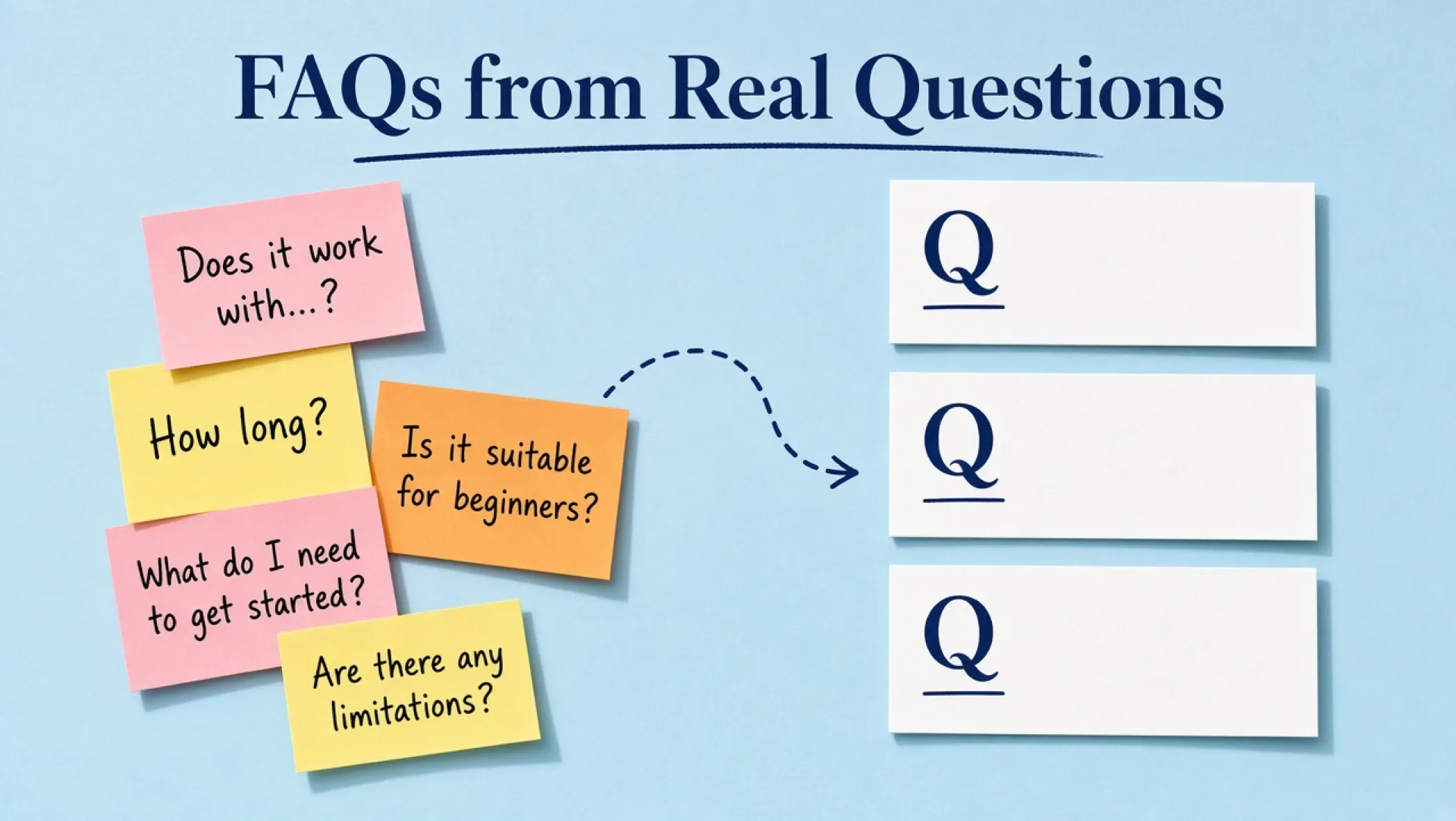
Someone asked your team the same question on three sales calls this month, and the answer is nowhere on your site. A support agent typed the same explanation into a ticket nine times. That is not a content gap you need a tool to find. It is a notes problem, and it is the best source of page material you have.
This is the method for turning those questions into FAQ and objection content without inventing a single answer. It pairs with the SEO content brief method, which decides what page the content belongs on. The blank form is the objection-to-FAQ worksheet.
Why this beats a keyword list for FAQs
Google’s helpful-content questions include whether you have an existing or intended audience that would find the content useful if they came directly to you, and whether someone will leave feeling they have learned enough to achieve their goal. Warning signs include content that leaves readers feeling they need to search again to get better information from other sources. Source: Creating helpful, reliable, people-first content (Search Central, checked 1 October 2026). Your sales and support logs are a direct record of the moments readers needed another source.
That is the information-gain angle. Most FAQ blocks online are generic: “What is X? Why is X important?” A question lifted from a real call, with an answer only your team can give, is the opposite. It is specific, it is checkable, and it is the sort of line a reader screenshots and sends to a colleague.
Step 1: collect the questions in the customer’s words
Pull a month of material. Not a year. A month is recent enough to be current and small enough to read. Copy the question, not the whole conversation, and keep the wording as written.
| Source | What you get | Watch for |
|---|---|---|
| Sales call notes | Objections, comparisons, and the question just before the “yes” or the silence | Notes that summarize instead of quote |
| Support tickets and chat | Post-purchase confusion, setup failures, how-to questions | One-off bugs that are not a pattern |
| Contact and quote forms | What people write in the free-text box | Spam and sales pitches |
| Email replies to proposals | The hesitation after seeing a price or scope | Private commercial detail that must be stripped |
| Onboarding and kickoff calls | What clients assumed was included | Questions that reveal a gap in your own scoping |
Log each one with the date, source type, a tally of how often it appeared, and the stage: before purchase, during onboarding, or after delivery. Remove names and identifying details as you go. If a question only makes sense with the client’s name attached, drop it.
Step 2: tag, group, and rank
Tag every row as a Question, an Objection, or a Blocker. A question asks for facts. An objection signals doubt. A blocker is a reason someone could not complete something. Each needs a different kind of answer.
- Question: answer in two to four sentences with the fact and the condition. “A typical build takes X weeks when Y is ready” beats “it depends.”
- Objection: acknowledge the worry in the reader’s words, give the mechanism that addresses it, then show the proof you are allowed to show. Do not argue.
- Blocker: give the steps to get unstuck. Link to the guide or resource that does the job.
Then merge near-duplicates and rank with a simple three-part score. Frequency: how often it came up. Stakes: how likely it is to lose a deal or cause a refund if unanswered. Fit: whether you can answer it with a verified fact today. Fit is the one people forget, and it is the one that stops you inventing answers.
| Score | High | Low |
|---|---|---|
| Frequency | Appeared on three or more calls or tickets in the window | Appeared once |
| Stakes | It sits next to price, risk, timeline, or trust | Cosmetic or curiosity |
| Fit | A named person can answer from a policy, contract, test, or primary source | Nobody can answer without guessing |
Step 3: every answer needs an owner and a source
The answer owner is the person who would give that answer on a live call. Not the writer, not the model. Google’s generative AI guidance says to focus on accuracy, quality, and relevance, especially when content is generated automatically. Source: Google Search’s guidance on using generative AI content on your website (Search Central, checked 1 October 2026). Accuracy starts with a person who knows.
- Name the answer owner next to the question. If nobody can be named, the status is Unknown and the row does not publish.
- Record the source of the answer: a policy page, a contract clause, a test you ran, a primary doc with a link, or the owner’s direct experience, labeled as such.
- Write the answer in the owner’s voice, with the condition that makes it true. “Usually” and “depends” need the “on what” spelled out.
- Put the date the answer was last confirmed. Prices, timelines, and policies expire.
- If a model helped with wording, the owner reads the final text, not the draft.
Never invent a number to make an answer feel complete. “Most clients see results in 30 days” is a claim. If you have no data, say what you do know: what is in your control, what is not, and what you measure to find out.
Step 4: place the answer where the doubt happens
An FAQ page that nobody lands on is a graveyard. Put each answer on the page where the reader would hesitate. Pricing worries go beside pricing. Timeline worries go inside the process section. Trust worries go next to proof.
| Where it goes | Use when | Soft next step |
|---|---|---|
| Inline, in a section | The answer is one or two sentences and the reader needs it mid-page | None. Keep reading flow |
| FAQ block at the foot of the page | Three to six objections that belong to that page’s offer | A link to the next step on that page |
| A blog article | The question is a full topic with its own intent and a method to teach | A related resource or guide |
| A resource template | The reader needs to fill something in to answer for themselves | The article that explains the method |
Formatting note. Google’s Search Central updates log says the FAQ rich result feature no longer appears in Google Search starting 7 May 2026, and the documentation was later removed. Source: Google Search Central documentation updates (checked 1 October 2026). Write FAQs because readers need them, and keep wording plain enough to stand alone when quoted. Spell out abbreviations on first use inside each answer.
Filled hypothetical: five rows from a month of notes
Hypothetical example, labeled as such, not real client data. A four-person studio reviews 30 days of sales notes and support tickets.
| Question as asked | Tag | Freq. | Stakes | Fit | Action |
|---|---|---|---|---|---|
| Who owns the website if we stop working with you? | Objection | High | High | High (contract clause) | Publish on the services page, quote the clause plainly |
| Can you match our current brand? | Question | High | Medium | High | Publish inline on the services page |
| How long until we see traffic? | Objection | High | High | Low (no data) | Hold. Write what is measured and when. Do not give a number |
| Why did my form email stop arriving? | Blocker | Medium | Medium | High (tested fix) | Support guide, linked from the contact page |
| Is your team in the US? | Question | Low | Low | High | Skip. Already on the About page |
Look at row three. It is the most frequent and the most dangerous. The tempting move is to write “most clients see traffic in three months.” The honest move is to say what you measure, when you will know, and what is outside your control. The first answer sells. The second answer survives a follow-up call.
Failure modes
- Sanitized questions: rewriting “Are you going to disappear on us?” into “What is your support policy?” loses the worry. Keep the customer’s wording, minus the identity.
- Invented answers: a model fills a gap with something plausible. Fix: no owner, no source, no publish.
- Fake testimonials as proof: an objection answered with an unnamed “client said.” Fix: use permissioned evidence or skip the claim.
- Generic FAQ padding: “What is branding?” on a service page. If nobody asked it, cut it.
- Never refreshed: prices and timelines change and the FAQ does not. Fix: confirmation date on every row, review quarterly.
- Privacy leaks: a client’s name or situation visible in a published question. Fix: strip identity before it enters the shared sheet.
Ship checks
- Every published row has an answer owner, a source, and a last-confirmed date.
- Unknown rows are in a separate list with a person assigned to find the answer. They are not on the site.
- No numbers, timelines, or guarantees you cannot back with a contract, policy, or test.
- Identifying details are stripped from every question.
- Each answer sits on the page where the reader hesitates, and links to a next step only where one is natural.
Print the objection-to-FAQ worksheet and fill it from last month’s notes. After the answers are live, check what changed with how to measure SEO beyond rankings. If you want the pages that carry these answers rebuilt around how your buyers actually decide, talk to us or see our website design and development.
Frequently asked questions
Where do the best FAQ questions come from?
From the people who already asked. Sales call notes, discovery-form answers, support tickets, chat logs, and inbound email hold the real wording, including the awkward and slightly rude versions. A keyword tool shows what people search. Your own inbox shows what stops them from buying or from succeeding after they have bought.
What is an objection, and how is it different from a question?
A question asks for information (“How long does a build take?”). An objection is a reason to hesitate (“We were burned by an agency that disappeared.”). Both belong in your content, but an objection needs proof and a plain answer, not a feature list. Tag each one so you do not answer a worry with a spec sheet.
Can I use AI to write the answers?
A model can help tidy wording once a person has supplied the verified answer. It should not supply the facts. If nobody on the team can answer the question from a policy, a contract, a test, or a primary source, the answer does not exist yet. Mark it unknown and fix that first.
Do FAQs still get a special result in Google Search?
Not the FAQ rich result. Google’s Search Central updates log says the FAQ rich result feature no longer appears in Google Search starting 7 May 2026 and that its documentation was later removed. Write FAQs for the reader on the page. Do not count on a search appearance as the reason to publish them.
Should every question become its own page?
No. Most belong as a short answer on the page where the reader hesitates: pricing questions on the pricing page, process questions on the service page. Create a separate URL only when a question has its own intent and its own next step, and no existing page owns it.
How do I handle private or sensitive information in questions?
Strip names, company names, emails, account details, and anything a client told you in confidence before the question goes into a shared sheet. Paraphrase only to remove identity, never to change meaning. If a question can only be understood by revealing who asked it, leave it out.