Technical SEO Audit Checklist for JavaScript Websites
Crawl, render, index. If curl cannot see the article, rankings are not the job. A repeatable pass for raw HTML, status codes, soft 404s, and Search Console parity.
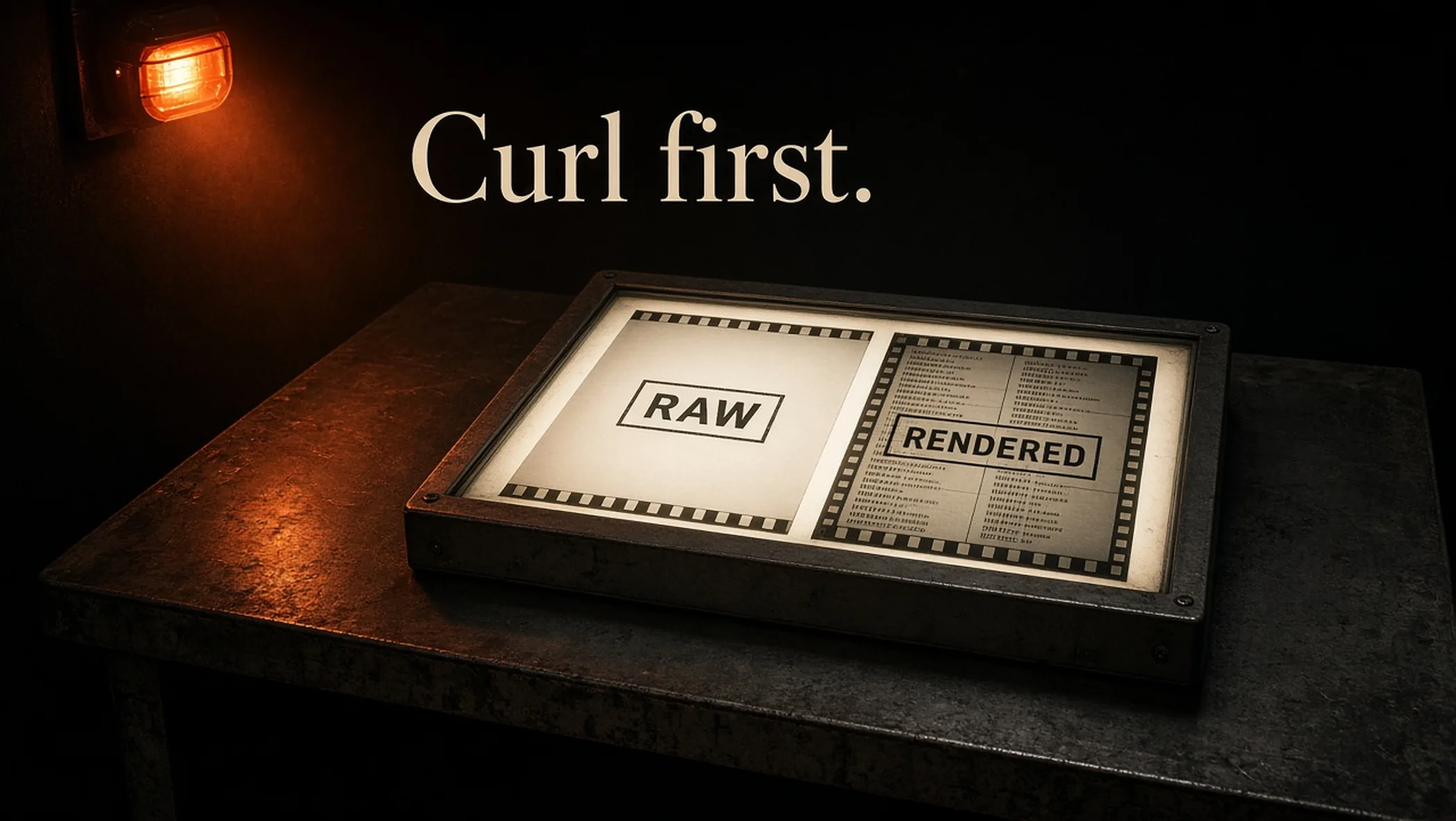
If curl cannot see the article, you do not have a keyword problem. You have a serving problem. A JavaScript site can look finished in Chrome and empty to a crawler. The audit is crawl, render, index, then status codes, then Search Console parity.
Print the JavaScript SEO audit checklist. The failure story on this domain is why crawlers saw an empty React site. How to click the inspector is Search Console URL Inspection. Generic crawl hygiene stays on the technical SEO audit checklist.
Crawl, then render, then index
Google Search processes JavaScript web apps in three main phases: crawling, rendering, indexing. Googlebot fetches the URL, checks robots.txt, parses href links from the response, then queues 200 pages for rendering in a headless Chromium. The rendered HTML is parsed for links again and used to index. Sourced: Understand the JavaScript SEO basics (checked 18 September 2026, page last updated 4 March 2026).
flowchart LR
        Q["Crawl queue"] --> F["Fetch HTML"]
        F --> L["Extract links"]
        F --> R["Render queue"]
        R --> C["Chromium"]
        C --> I["Index"]
C --> LRaw HTML is the first test
View Source or curl. You want the H1 and the body in that payload. A title plus a chat widget is what AdSense called thin on this site. Unique titles and snippets still matter. Canonicals belong in the original HTML when you can. Search Central: do not use JavaScript to change a canonical to a different URL than the original HTML. If the original HTML has noindex, Google may skip render, so you cannot JS your way out of a noindex you shipped in the first payload.
curl
curl -sL https://example.com/blog/your-slug | grep -E '<h1|<title|id="root"' | head
curl -sI https://example.com/this-path-should-not-exist | head -n 8
JavaScript
const html = await fetch('https://example.com/blog/your-slug').then((r) => r.text());
console.log(/<h1[^>]*>/.test(html), html.includes('id="root"'));
const missing = await fetch('https://example.com/this-path-should-not-exist', { redirect: 'manual' });
console.log(missing.status); // 404. Not 200 with a client "not found".
Swap in your article URL. You want the H1 in the first payload, a 200 on a real page, and a 404 on junk.
Status codes and soft 404s
Googlebot uses HTTP status codes to learn if the fetch failed. 404 for missing, 401 for login walls, 301 when the URL moved. On a client-routed app, Search Central says meaningful codes can be impractical, so avoid soft 404s: JavaScript-redirect to a server 404 URL, or add a robots noindex on the error view. Unknown paths that return 200 with a shell are a soft-404 factory.
| What the server returns | What the user sees | What to do |
|---|---|---|
| 200 + article HTML | The article | Keep. This is the contract. |
| 404 | Not found | Keep for unknown paths. |
| 200 + client “not found” | Not found | Soft 404 risk. Redirect to a server 404, or inject noindex. |
| 200 + empty #root | App after JS | Crawlers that skip JS see a stub. Prerender or SSR. |
If something looks wrong in the index, Search Central’s JavaScript debugging guide starts with the Rich Results Test or URL Inspection: loaded resources, console, rendered DOM. Sourced: Fix Search-related JavaScript problems (checked 18 September 2026).
Links, history, lazy images, cache
Google can only discover links that are HTML a elements with href. Buttons that route in JavaScript are invisible. Use the History API, not hash fragments. Search Central still says the AJAX-crawling hash scheme has been deprecated since 2015. Lazy-loaded images need a real src Google can fetch. Content fingerprinting on JS and CSS filenames (main.2bb85551.js) avoids Googlebot serving a stale bundle when the Web Rendering Service (WRS) ignores your cache headers.
WRS does not keep cookies or localStorage across page loads. If the article only appears after a stored session, Google will not see it. Feature-detect APIs that Googlebot will not grant (camera, WebGL tricks) and give an HTTP fallback. Googlebot fetches over HTTP. It does not sit on a WebSocket for your body copy.
What this pass is not
It is not Core Web Vitals (CWV), schema, or a keyword map. Those live on the generic technical SEO checklist and the measurement articles. Mixing them into this URL is how a React site ships a beautiful schema block on an empty #root. Finish crawl-render-index first. Then argue snippets.
Internal linking still needs a real href. A client-only filter on /blog that hides hubs until JavaScript runs will hide them from the first parse. If the hub lander is a curriculum page, that copy belongs in the first HTML the same way an article does.
Four URLs, one afternoon
- Home: curl the H1. Inspect crawled vs rendered in Search Console.
- One hub: same pass. Confirm hub copy is in the first HTML, not only after a client filter.
- One article: H1, body, canonical, title without a truncated apostrophe.
- One junk path: must be 404 from the server, not a 200 shell.
Observed, simeoncreatives.com, 2026. Crawlers that did not run JS received a stub. We prerender visible article HTML into #root, return a real 404, and keep slashless canonicals. URL Inspection on a handful of articles is part of publish, not a cleanup. What that does not prove: that prerender raises rankings. It proves the first HTML contains the article.
Run the JavaScript SEO checklist on those four URLs. If you want that pass on a rebuild, contact.
Frequently asked questions
How does Google process JavaScript?
Google Search processes JavaScript web apps in three phases: crawling, rendering, indexing. Googlebot fetches the URL, parses links, then later a headless Chromium renders the page. The first HTML matters. Not every bot runs JavaScript. Sourced: Google Search Central, JavaScript SEO basics.
What is a soft 404 on a single-page app (SPA)?
The server returns 200 with a “not found” UI. Google may treat that as a soft 404. Search Central’s SPA advice: redirect to a URL that is a real 404, or inject a robots noindex on the error view. Do not serve a 200 shell for unknown paths.
Is this the same as the generic technical SEO checklist?
No. The generic list owns robots, sitemaps, Core Web Vitals (CWV), schema. This page owns raw versus rendered body, SPA status codes, and crawlable links. Run both. Do not merge them into one URL.
Do I still need prerender if Google runs JavaScript?
Search Central still calls server-side or pre-rendering a great idea because it is faster for users and crawlers, and not all bots run JavaScript. Observed on this site: AdSense and some fetchers saw an empty shell until we prerendered visible HTML.