Prompt and Workflow Change Control: Who May Edit a Live Automation
One editor, a version note, a description of what changed, the previous prompt text kept for rollback, and a freeze while an incident is open. Evaluation stays a separate job.
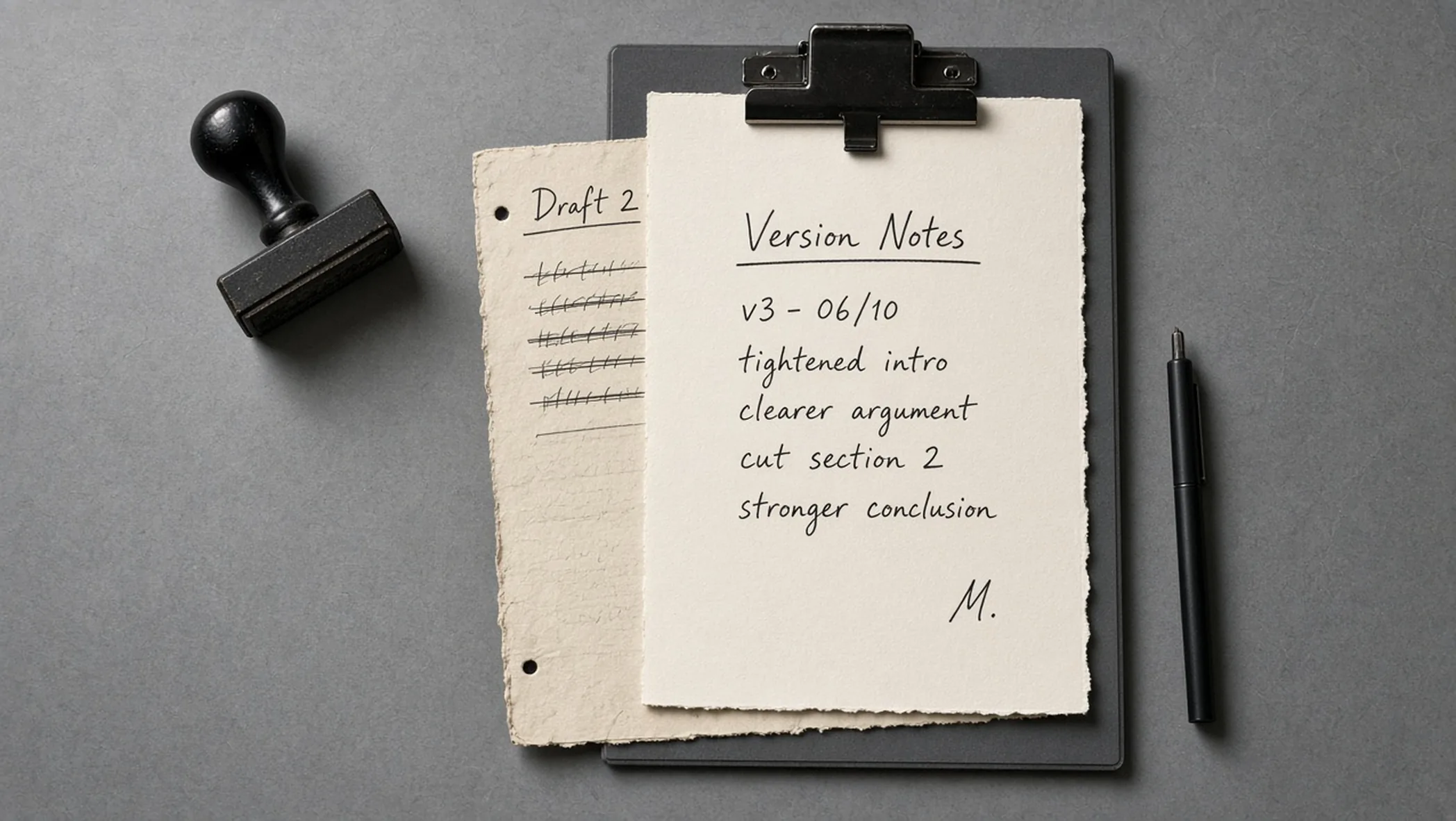
The prompt that answers customers on Tuesday is not the prompt you tested on Monday, unless someone had to write down the edit. Live automations drift because the fix feels small. A sentence in a system prompt. A branch added at 6 p.m. A tool enabled "just to see." The workflow still has the same name. It is not the same system.
Whether a version is good enough to ship is the golden set. That job is evaluate the AI workflow before production. This page is ownership. One editor. A version note. What changed. The previous prompt text, kept so you can put it back. A freeze while an incident is open.
The record, before the edit is live
Treat a prompt change like a change to a price or a permission. You would not let two people update the price in two places and call it agile. The record is short on purpose. If it takes a form longer than the edit, people will skip it. If it is shorter than this table, you cannot restore or explain.
| Field | What good looks like | If it is missing |
|---|---|---|
| Editor | One named person who may publish this workflow | Two publishers, two truths, no one to ask |
| Version note | Date, version id, one line a teammate can read | You cannot tell which text is live |
| What changed | The behavior: added, removed, or tightened instruction, or a step | Rollback is a guess about intent |
| Previous prompt text | The full prior text, stored, not overwritten | You cannot roll back. You can only rewrite. |
| Incident flag | Edits blocked while a failure is open | The bug and the experiment share a timeline |
One editor
Name the editor in the same place you name the workflow owner. They can be the same person. They are still one person. Proposals can come from anyone who watches the output. Publishing cannot. A shared login to the automation tool is how a second editor appears without a decision.
The editor job is narrow. Accept or refuse the written change. Paste the new prompt only after the previous text is saved. Update the version note. Tell the people who rely on the output that the behavior moved, in the same words as the note. Heroic late-night edits that skip the note are how the next incident starts.
- Propose: anyone may write what is wrong and what the new text should say. The proposal is not live.
- Publish: only the editor copies it into the live workflow, after the previous text is stored.
- Cover: if the editor is away, name a deputy for that window. Two standing editors is not a deputy plan. It is shared publishing.
This matches the order in standard operating procedures before automation. The procedure says who may change the live system. The tool is where the text sits. The tool login is not the procedure.
The version note and the behavior
A version note is a label you can say out loud. Date, a short id, and one line. "14 Apr, v7, refund answers now refuse custom orders and point at the form." That line is the behavior. The prompt diff can be longer. The note is what a person who did not read the prompt can use.
Write what changed as a difference in output or in steps. Added a refusal. Removed a tool. Tightened the schema so a missing field fails closed. "Improved clarity" is not a change you can test or undo. If you cannot describe the difference, you do not understand the edit well enough to publish it.
Keep the note next to the workflow, not in a chat thread that will scroll away. The next editor, who might be the deputy in a month, should open one place and see the current version, the prior version, and the line that explains the jump. Chat is how you propose. The record is how you remember.
Workflow steps count as the change, not only the prompt paragraph. A new branch, a new credential, a new destination for a message, a review step removed. Those are behavior. Log them in the same note. A prompt that stayed still while the graph grew is still a new system.
Rollback is the previous text
Store the full previous prompt before you replace it. Store the previous step list if the graph changed. Rollback means you put that text back and you put those steps back. It does not mean you write a third prompt that "undoes" the tone of the second one. Under stress, a third prompt is a new bug.
Overwrite is the failure. If the editor saves the new prompt on top of the only copy, the prior behavior exists only in memory. Memory is a bad store. Export, copy, or commit the text somewhere the live canvas is not the sole copy. You do not need a platform tour to do that. You need the words in a file you can retrieve when the canvas is the thing that broke.
- Copy first: the live prompt text and the live step list leave the canvas and land in the record.
- Then replace: the editor publishes the new text. The version note points at both copies.
- To undo: restore the stored prior text. Do not draft a fresh reversal. Mark the restore as its own version note so the timeline stays honest.
A restore is still a publish. The same editor does it. The same freeze rules apply. Restoring during a panic without saving the broken text is how you lose the evidence of what failed. Copy the broken version out, then put the known version back.
Freeze while the incident is open
An incident is a live failure you have named: wrong customer mail, a loop, a schema that started rejecting good inputs, a tool that fired when it should have waited. Until that failure is closed, the workflow is frozen. No prompt edits. No new branches. No "small" tool toggle.
The freeze exists because debugging a moving system lies to you. You replay a run, the text has changed, and the replay no longer matches production. You think you fixed it. You fixed a different workflow than the one that failed. Wait until the version under investigation is the version still live, or restore a known version and investigate that.
How you replay, alert, and read logs is observability for automations. Change control only adds the rule those logs assume: the definition did not change while you were looking. If the log cannot tell you the version id, fix the log. A freeze you cannot see in the record is a slogan.
- Open: name the failure, note the version id that was live, stop edits.
- Look: replay and read. If the safe move is the previous prompt, restore that text and write a version note for the restore.
- Close: say what the cause was, in behavior language. Only then may the editor consider a new change, and that change still goes through the record.
A freeze is not a punishment. It is how you keep the experiment out of the evidence. People will want to help by editing. The help is a written proposal that waits. The editor refuses live tweaks until the incident flag is clear.
What this record does not do
It does not score the prompt. It does not replace a golden set. It does not prove the new line is cheaper, safer, or more accurate. Those claims need the evaluation guide and, if you are arguing about time, the ROI guide. A tidy version history of a bad workflow is still a bad workflow. The history only makes the badness legible.
If the edit adds a send, a payment, or a delete, stop and re-read the review rule in human review on large language model (LLM) jobs. Change control can record a dangerous tool. It cannot make the tool safe. If every week needs a new version because the task is unstable, the retirement question is next: when to retire an automation.
Hypothetical: two editors, one outage
Hypothetical. A routing workflow writes a draft for a person to send. On Thursday the owner adds a sentence so the draft mentions the delivery window. On Thursday evening a teammate, using the same login, removes the human review step because the drafts "looked fine." Neither edit has a version note. The previous prompt text was overwritten. Friday morning a customer gets a mail the person did not approve.
The freeze should have started at the first bad send. Instead both people keep editing, trying to be helpful. By noon there is a third prompt and nobody can restore Thursday morning. The framework would have kept one editor, a stored copy of the morning prompt, and a block on the evening change. The review step would still be there because removing it would have been a written behavior change, easy to refuse.
Nothing in that story is a measured saving or a client result. It is the failure mode of shared publishing. The repair is the table, used once, before the next sentence goes live.
Put the names on the workflow this week
Open the automation that actually runs. Write the editor name, the current version line, and paste the current prompt into the record before you change anything. That paste is the rollback target for the next edit. If you cannot find a single prompt because the instructions are scattered across nodes, that scatter is the first change to record: gather them, store the old nodes, then consolidate.
If the live path is part of the website, the same rule holds. A prompt inside a form handler is still a live system. If you want the record set up against a workflow you already run, bring the version you have, including the text you are afraid to overwrite.
Frequently asked questions
Who is allowed to edit a live automation?
One named editor at a time. Other people may propose a change in writing. They do not paste a new prompt into the live workflow. If two people can publish, you have two sources of truth and no rollback story. The editor is a role, not a privilege you share because someone is online.
What has to be written down when a prompt changes?
A version note with a date, a short description of what changed in behavior, and the previous prompt text stored where you can restore it. "Tweaked the prompt" is not a description. Say which instruction was added, removed, or tightened, and which output you expect to differ.
How do you roll back?
Put the previous prompt text back, and put the previous workflow steps back if those changed too. Rollback is a restore, not a new creative pass under pressure. If you overwrote the only copy, you do not have rollback. You have a memory.
What is a freeze during an incident?
While a live failure is open, nobody edits the prompt or the workflow to "try something." You replay, you read logs, you restore a known version if that is the fix. A freeze stops a moving target. Editing during the incident mixes the bug with the experiment.
Does change control replace evaluation?
No. The golden set, the cases, and the decision to ship a version live in the guide on evaluating an AI workflow before production. Change control is who may replace the live text, how the replacement is recorded, and how you return to the prior text. A version note is not a test.