B2B Website Security for Marketing Teams: Threat Model, Secrets, Forms, and Recovery
A practical baseline for a brochure or lead-gen site: what you own, who can touch it, where secrets live, how forms fail, and a restore you have actually run.
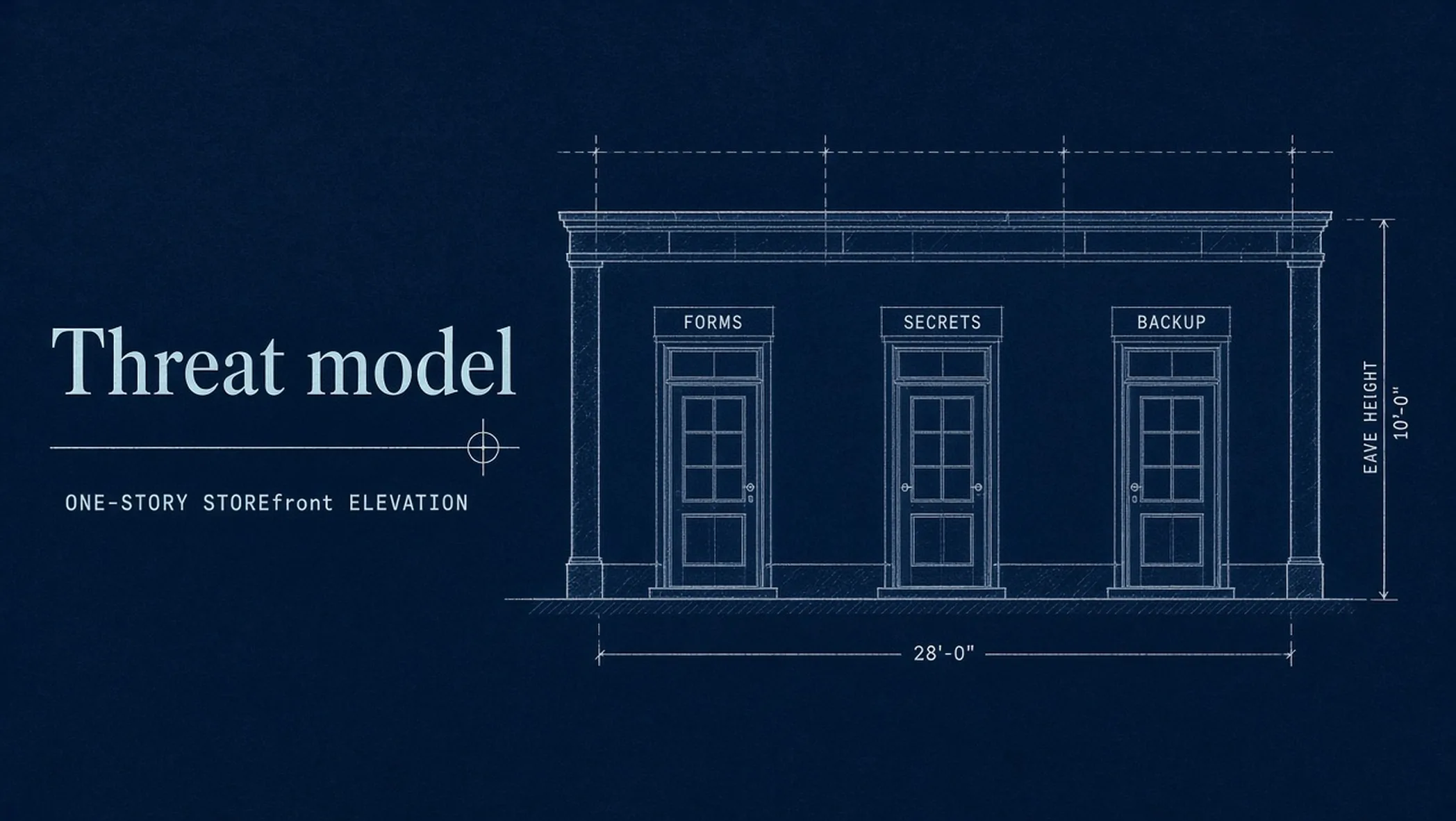
A marketing site usually fails through a form, a leftover admin, or a key in JavaScript. Not through a movie hacker. You need a threat model you can fill: assets, identities, secrets, forms, dependencies, backups, and one restore you have actually run.
Print the B2B website security baseline. Form posting and retries live in dynamic web forms. Day-two monitoring lives in the modern web maintenance blueprint. Automation-side doors (webhooks, model prompts) live in the AI automation threat model. This page is who may touch the brochure site, and what you do when it breaks.
Map the doors, not the whole internet
The Open Worldwide Application Security Project (OWASP) Top 10:2025 is an awareness list, not a score for your homepage. Current order: broken access control, security misconfiguration, software supply chain failures, cryptographic failures, injection, insecure design, authentication failures, software or data integrity failures, security logging and alerting failures, mishandling of exceptional conditions. Sourced: OWASP Top 10:2025 (checked 18 September 2026).
| OWASP 2025 | On a B2B marketing site | Owner |
|---|---|---|
| Broken access control | Ex-staff still admin on WordPress or the registrar | Whoever runs identities |
| Misconfiguration | Staging indexable, directory listing, default CMS users | Whoever ships |
| Supply chain | A form plugin you never pin or review | Whoever may install |
| Injection | A form that echoes unsanitized input, or a query on a lead table | Whoever owns the form origin |
| Logging failures | A 500 on submit and nobody hears | Whoever gets the pager |
flowchart TD
        A["Assets"] --> I["Identities"]
        I --> S["Secrets"]
        S --> F["Forms"]
        F --> D["Dependencies"]
        D --> B["Backup plus restore"]
The registrar is the real crown jewel
If someone owns the domain registrar, they own the site, the mail, and the ads that sit on that hostname. Multi-factor authentication (MFA) on the registrar, the Domain Name System (DNS) host, git, the content management system (CMS), and the mailbox that receives password resets. Shared “marketing@” passwords in a slide are not a secret. They are a rumor with a login.
- Count admin seats: fewer than you think you need. Contractors get a time-boxed role, not owner.
- Leavers same week: CMS, git, DNS, analytics, ads, the form inbox. A leftover admin is A01 with a face.
- Staging is not production: noindex the preview host. A public staging site with real copy is how drafts leak and how duplicate URLs get indexed.
Secrets are not a Notion page
OWASP’s secrets guidance is blunt: keys littered in source and config are how you get a quiet compromise. Centralize, least privilege, rotate, keep humans off the live secret where you can. Sourced: OWASP Secrets Management Cheat Sheet. On a marketing site that means: no API keys in client JavaScript, no .env committed, production secrets in the host store. If the intern can copy the form webhook from a slide, you do not have a secret.
Rotate when someone leaves, when a key hits git history, and on a calendar even if nobody left. Name the owner. “We will rotate if something happens” is how keys live for four years.
Forms are the money door
State-changing posts need a Cross-Site Request Forgery (CSRF) story if you have cookie sessions. OWASP: use the framework’s protection, tokens on state-changing requests, do not use GET to change state, Cross-Site Scripting (XSS) can defeat CSRF. Sourced: CSRF Prevention Cheat Sheet. A static lead form posting to an edge function with a secret header is a different shape. Still: HTTPS only, bot filter, no file upload unless you asked for that job, failure must not drop the lead on the floor.
Who can read the lead inbox is access control. A CMS plugin that stores leads next to blog drafts is a fake CRM with a larger blast radius. Post to an origin you control, with a retry. That implementation is the forms article. This page asks: if that origin 500s on a Monday, who hears, and is the payload still on disk.
Supply chain is the plugin you forgot
A03 on a brochure site is usually a form, chat, or analytics plugin nobody pinned. Count what can run in the browser and what can run on the CMS. If marketing can install without review, you have an unofficial app store. Pin versions. Remove what you do not use. A dead chat widget is still a script.
A 30-day baseline pass
- Week 1: List assets and identities. Remove leavers. Turn on MFA where it is off. Count admin seats.
- Week 2: Hunt keys in git and client JS. Move production secrets to the host store. Name a rotation owner.
- Week 3: Every public form: HTTPS, bot filter, destination you own, failure retry. Unpin unused plugins.
- Week 4: Restore git or the CMS export once. Write the date. Name who is awake on a Monday 500.
Headers, Content Security Policy (CSP), and a pentest sit after this card. If you cannot name the form owner, do not start a header project. Misconfiguration and leftover admins beat a missing CSP on a brochure site.
Restore is a test, not a setting
A backup job that nobody has restored is a story. Restore git, the CMS export, the DNS zone, and the form archive on a calendar. Name who is awake. If you cannot restore on a Monday, you do not have recovery. You have hope.
Observed, this site, 2026: production secrets stay out of git. Forms post to an origin we control. Unknown URLs are a real 404. Registrar and git use MFA. That is a baseline, not a pentest. What it does not prove: that a brochure site is “secure.” It proves we know the doors.
Fill the security baseline before launch and after any plugin or form change. If you want that walk on a rebuild, that is a websites conversation. Contact.
Frequently asked questions
What is a threat model here?
A short list of what you have, who can touch it, how it fails, and how you restore it. Not a pentest report. For a marketing site the usual doors are forms, CMS admins, leaked keys, and an unrestored backup.
Do I need the Open Worldwide Application Security Project (OWASP) Top 10 memorized?
No. Use it as a map. The 2025 list leads with broken access control and misconfiguration, then supply chain, crypto, injection, insecure design, authentication, integrity, logging, and exceptional conditions. Your job is to name the door on your site, not reciting the PDF.
Where do form leads belong?
Not in the CMS as a fake customer relationship management (CRM) plugin. Post to something you own, with a retry. The forms article owns the implementation. This page owns who can read the inbox and what happens when the post 500s.
Is a static site “secure enough”?
It removes a PHP plugin farm. It does not remove leaked git keys, an open form, or a registrar account without multi-factor authentication (MFA). Static is a smaller surface, not a skip.